Profile visibility settings


In the “ClinCaseQuest” simulation platform, you can change the visibility settings of your profile fields.
You can change it by editing your profile – clicking the tab with your image and name in the drop-down menu and then – clicking “Edit” and selecting the appropriate parameter:
- personal data;
- education;
- professional occupation.
Click “Edit” to select the availability of each field. We’ve covered this in detail in the Profile Fields Publicity Settings guide.
Now we’ll discuss another way to change profile visibility settings.
In the top drop-down menu, click the “Edit Account” tab. On the settings page, select the “Privacy” tab on the sidebar.
The “Profile Visibility Settings” page opens. Here you can make mass settings of all parameters:
– visibility “Public” and “All members” – information will be available to all registered users of the Platform;
– “My contacts” – the information will be available only to colleagues with whom you have connected in the Platform;
– “Only me” – the information will be available only to you.This way you can change the display settings:
- of your personal data:
- first name, last name, nickname;
- social media profiles;
- additional information about you
- education information:
- higher education institution where you studied;
- degree;
- academic title;
- additional information.
After selecting the field visibility options, click “Save Changes”. In addition, you can change the settings of the “Professional Activity” section by selecting the required parameter to change the display publicity settings:
- year of onset of medical activity;
- speciality;
- qualification category;
- place of work;
- additional information.
You will be taken to the “Professional Occupation” profile page.
Click “Edit” to check the privacy settings of the fields in this section. Select the required field, click “Edit” and select the visibility option (“Public”, “All members“, “My contacts” or “Only me“). After selecting the field visibility settings, click “Save Changes“. Thus, you have chosen convenient profile visibility parameters.
We wish you pleasant work, study, communication on the simulation training platform “ClinCaseQuest”!
Register on our website right now to have access to more learning materials!
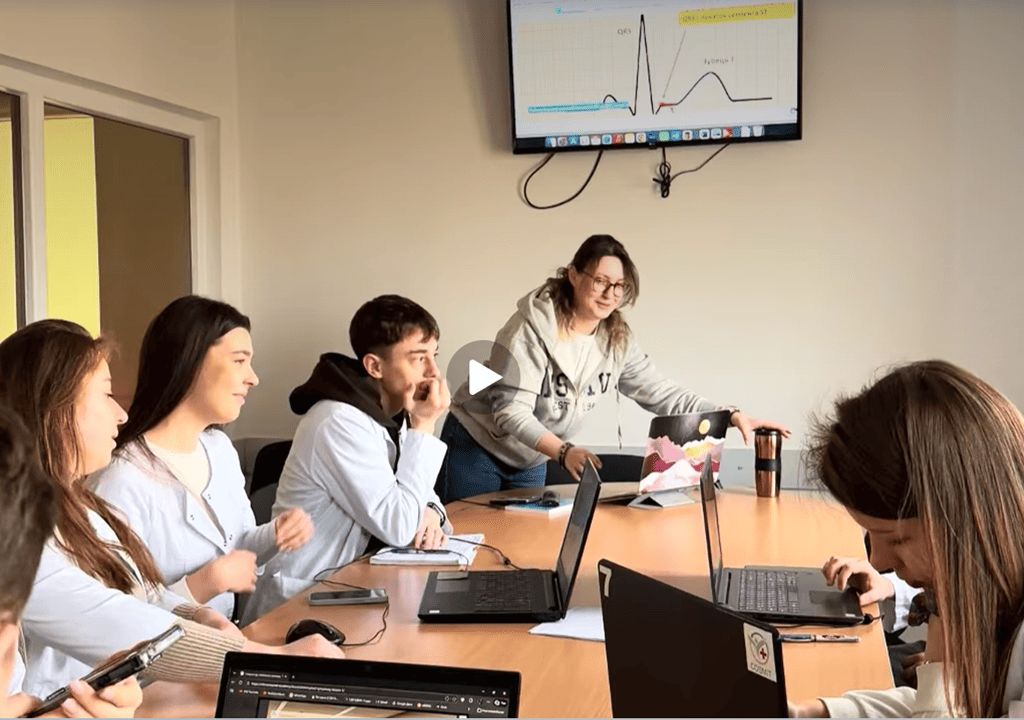
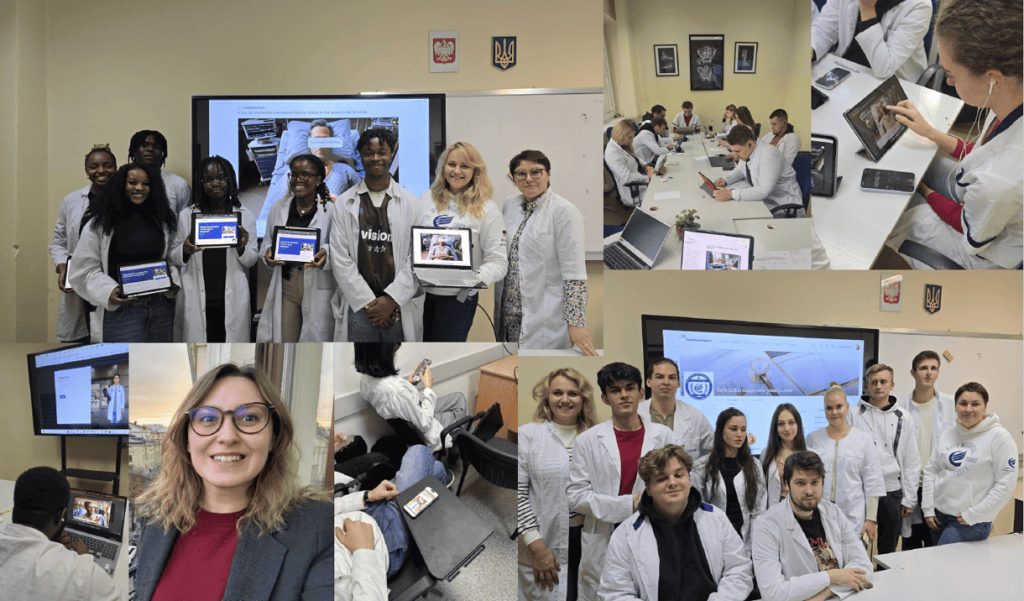
Simulation-Based Medical Education: BSMU Students in ClinCaseQuest Simulations (Video)
Simulation-based medical education is a key component of modern medical training. This video demonstrates how…
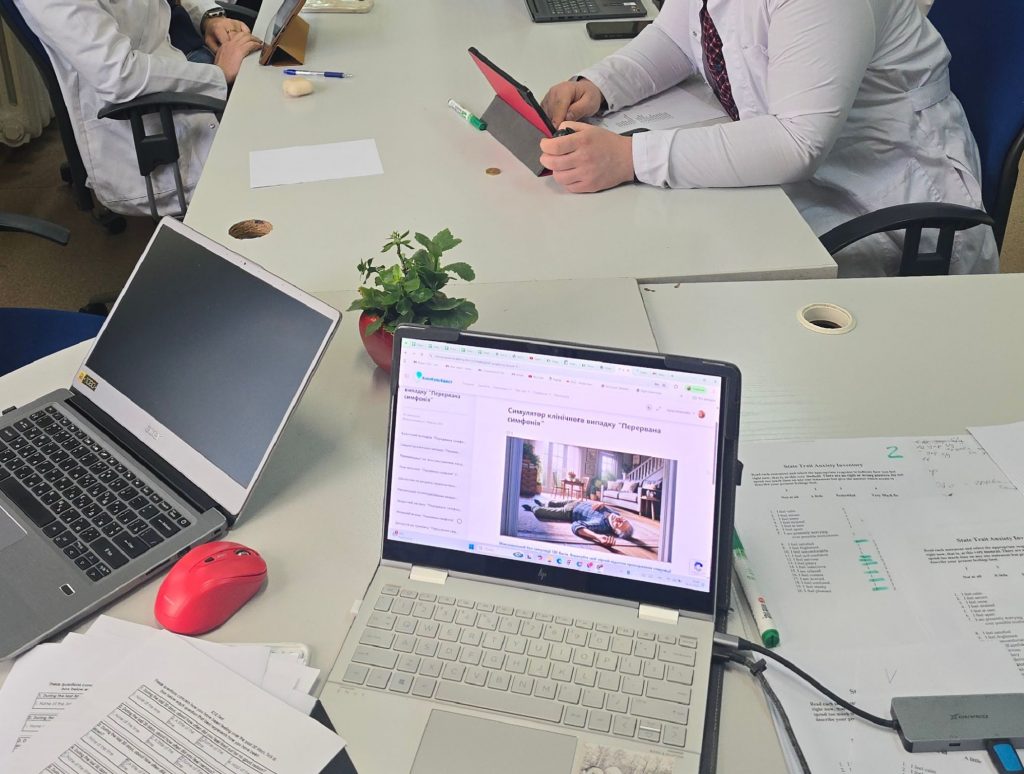
Three Research Directions Emerging from the ClinCaseQuest Simulation Study
ClinCaseQuest research reveals three key directions shaping medical education: psychological safety, clinical reasoning analysis, and…
Defragmented Debriefing Model as a Tool for Psychological Safety in Simulation Training
At the 6th International Scientific and Practical Conference “Medical Simulation: A Look into the Future”,…
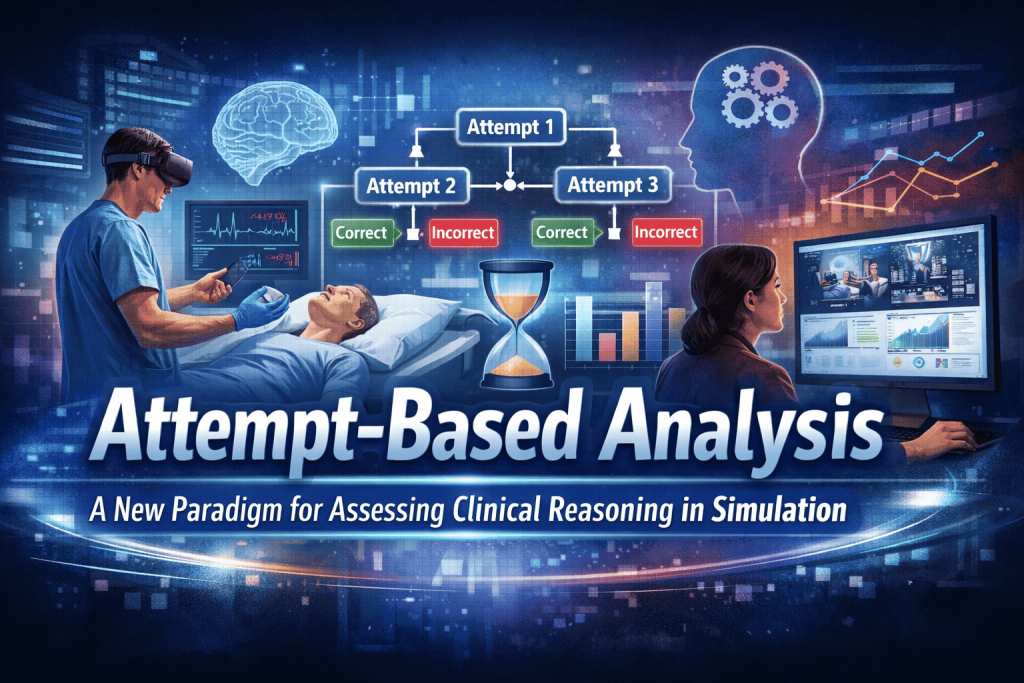
Attempt-Based Analysis: A New Paradigm for Assessing Clinical Reasoning in Simulation
ClinCaseQuest is proud to highlight the presentation of Tetiana Antofiichuk, MD, PhD, at the international…
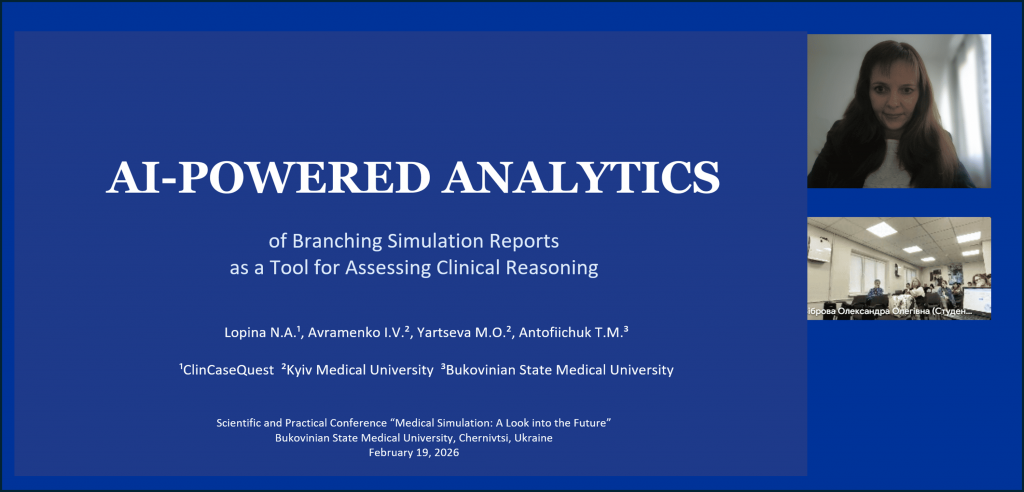
ClinCaseQuest presented the first experience of analyzing branching simulation logs based on artificial intelligence at the “Medical Simulation: A Look into the Future” Conference
ClinCaseQuest is pleased to share our participation in the scientific and practical conference “Medical Simulation:…

AI-Driven Patient Simulator – Quick Feedback
🗣️ We Value Your Feedback Thank you for your interest in the AI-Driven Patient Simulator!…